LIVE PREVIEW >
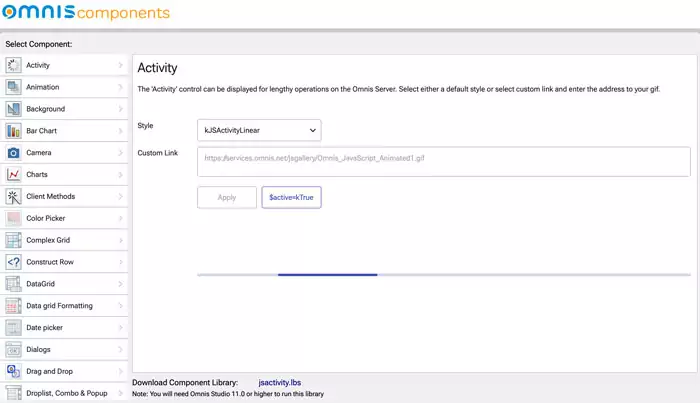
The Components Gallery is an Omnis Studio app which lists most of the JS Components available in Omnis Studio for creating interactive, user-friendly, event- and data-driven web and mobile applications. Browse through all components, let yourself be inspired and test different options for your projects.
In this app you can browse through all components from A (‘Active’ control) to V (‘Video’ Control) and learn how they are implemented. This includes components to create modern user-friendly UX and sales-boosting UIs, to access external devices or device features such as the camera, and components like Client Methods to control user interactions and to increase efficiency and eliminate errors.
For each component you get a short description, you can experience an example, test and select different options to choose from.
Using this app and implementing items from the Gallery is very easy as you can download the library for each component directly, use it in your project and customize it.