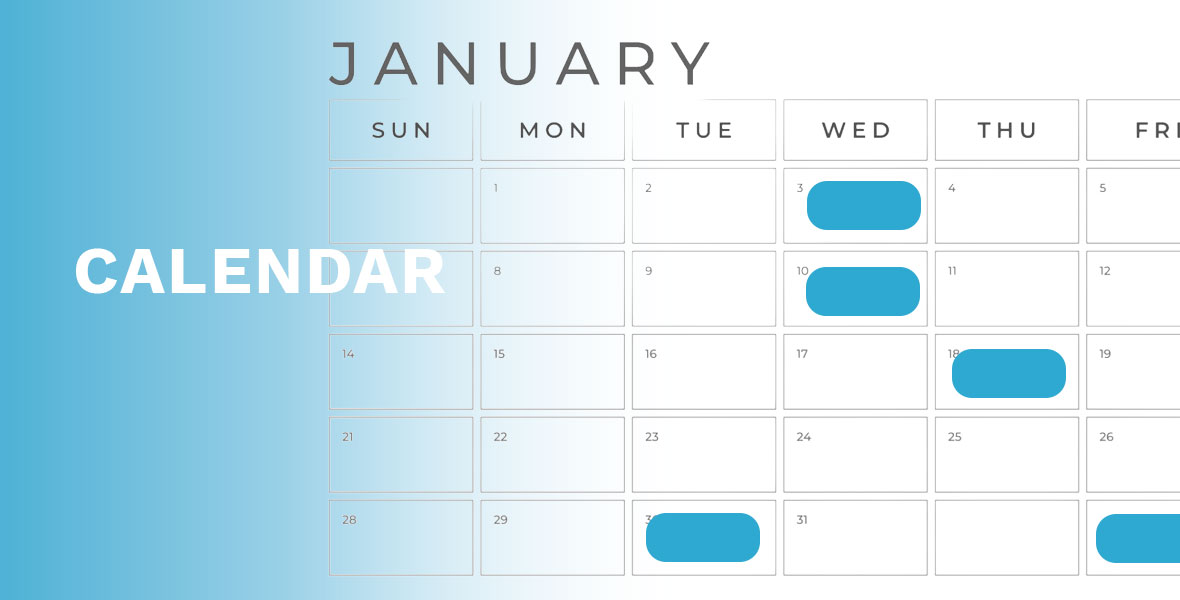
Implement a powerful Calendar component in your Omnis Studio application which is visually appealing, intuitive to use and interactive.
This component delivers a flexible and intuitive calendar experience that can be easily integrated into your app.
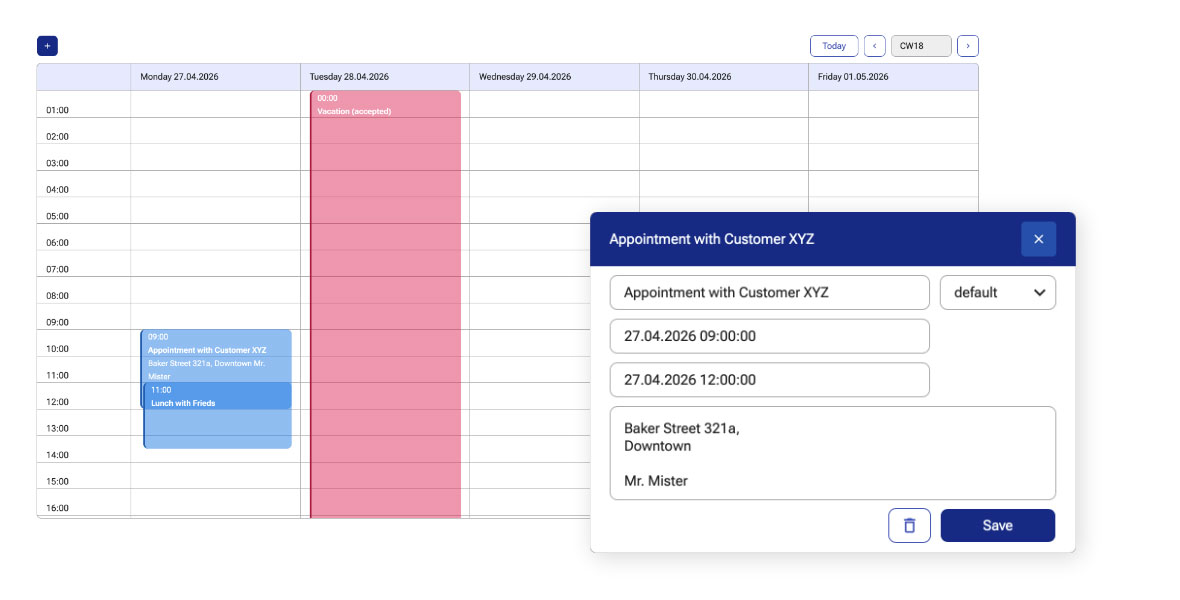
Appointments can be displayed with relative sizes and you can also show overlapping and parallel appointments.
Clicking on an appointment displays its details. Entering a new appointment is easy by just clicking in an empty space or by clicking on the plus + icon which opens a dialog to enter the details.
This Calendar component is capable of displaying multiple calendars.
The calendars and their colors can be freely configured so you can easily customize them to align them with the design of your specific project(s).